
Modeling
Build the form.
Work from a simple volume to the edges that define it. Polygons, splines and subdivision surfaces.
Explore modelingApp3D / Desktop 3D workspace
One place to model, unwrap,
paint and sculpt.
Made for Windows and Linux.

Move between form and surface without losing sight of the whole. Five connected directions, one creative workspace.
Work from a simple volume to the edges that define it. Polygons, splines and subdivision surfaces.
Explore modelingKeep texture coordinates connected to the model. Project, unwrap and arrange your islands.
Explore uvPaint directly on the surface. Explore brushes, material channels and editable layers.
Explore paintingFind the silhouette, then move closer. Develop volume and refine the character of the surface.
Explore sculptingExplore the planned realtime and path-tracing workflow. Rendering is in development.
Explore renderingDrag the glowing point inside the scene. Watch the highlights and shadow follow.
Interactive website study. App3D Rendering is in development.
From a first polygon to a finished view. Explore 25 capabilities across five connected workflows.
Work with polygons, spline profiles and subdivision surfaces. Start with the structure, then refine the edges that define it.
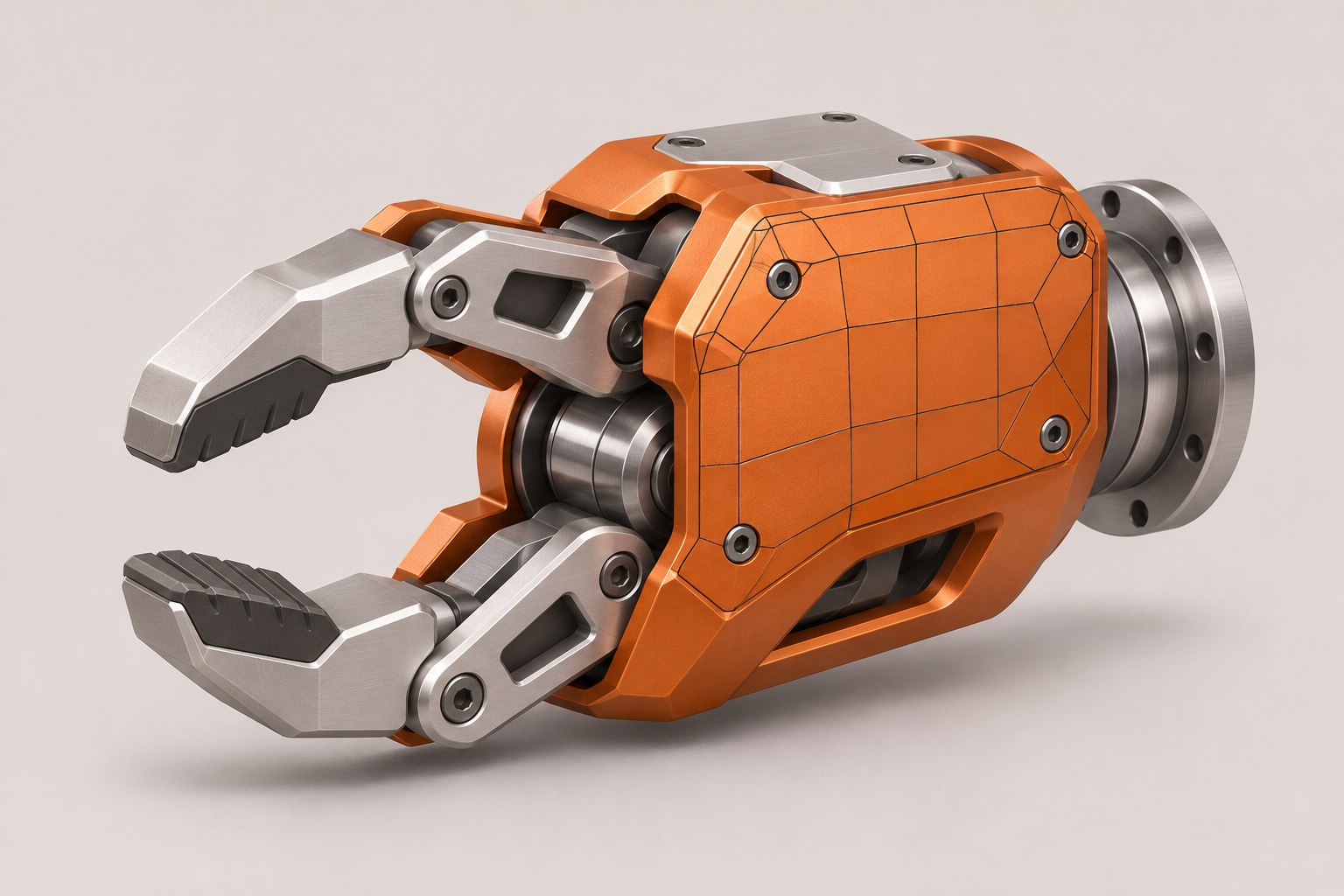
Work directly on vertices, edges and polygons. Isolate exactly what you need, then extrude, bevel, cut, bridge and weld to build clean geometry.
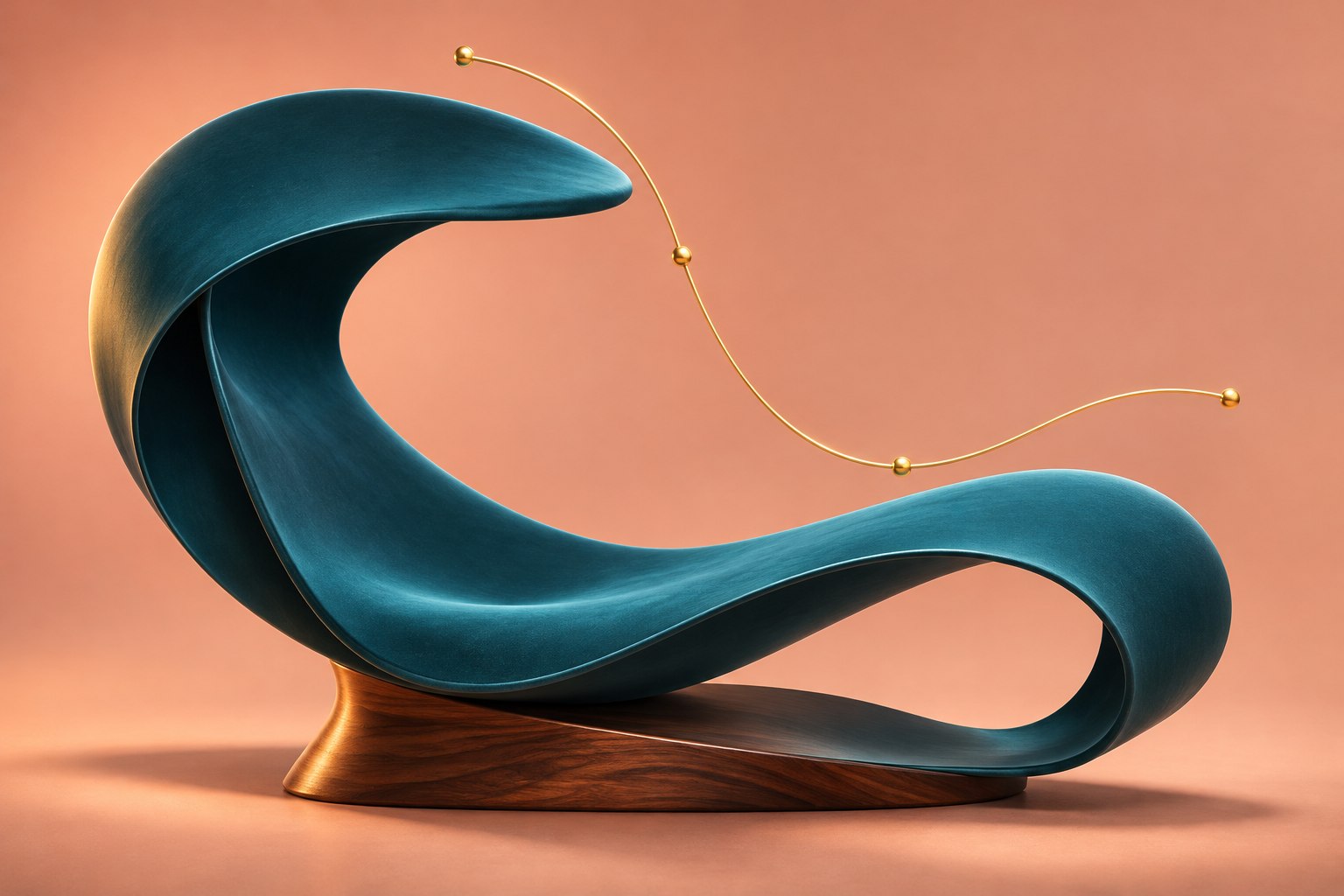
Turn a profile and a path into a continuous surface.
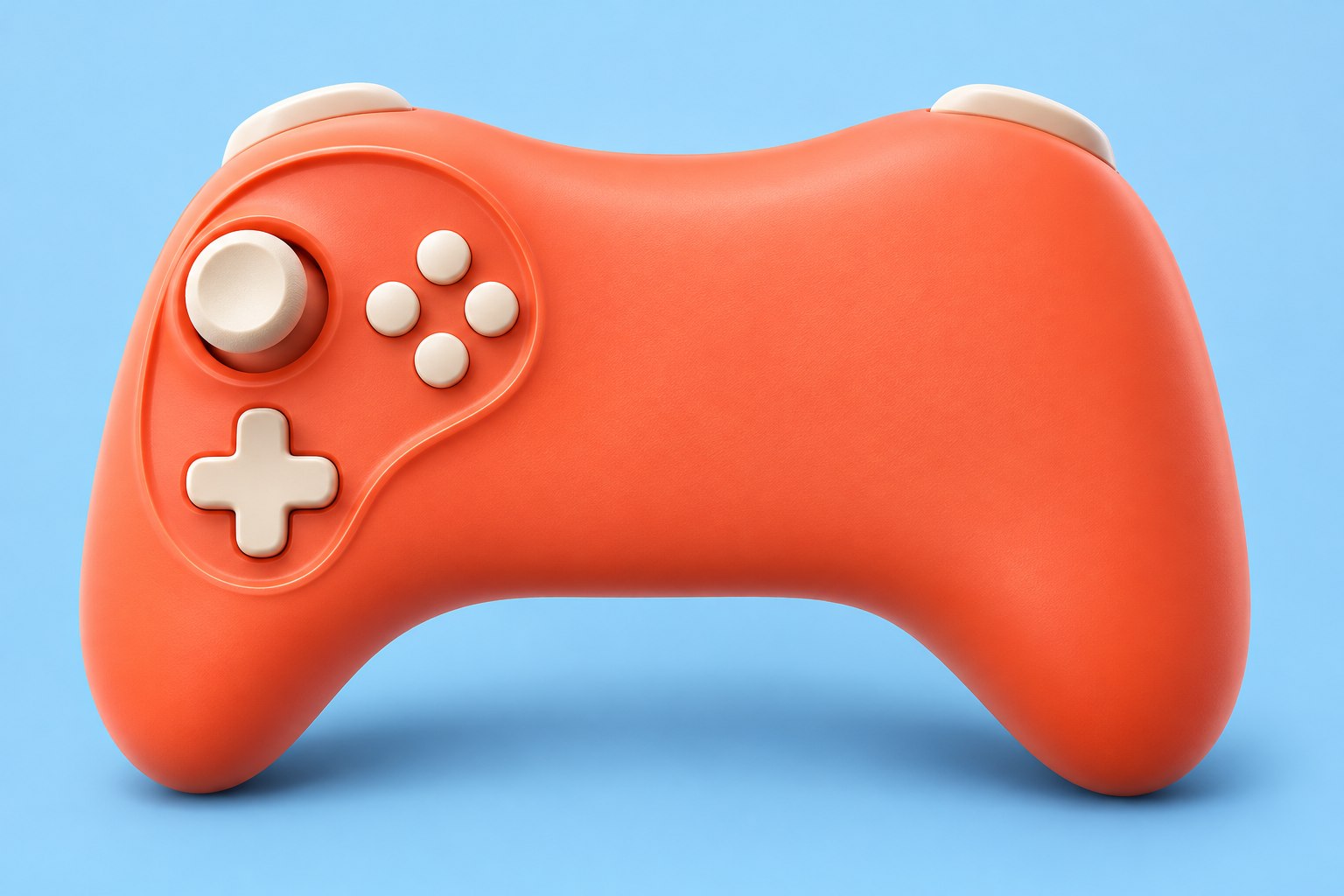
A simple control cage. A smoother result.
Connect the model to its texture coordinates. Move from projections to seams, islands and a carefully arranged layout.
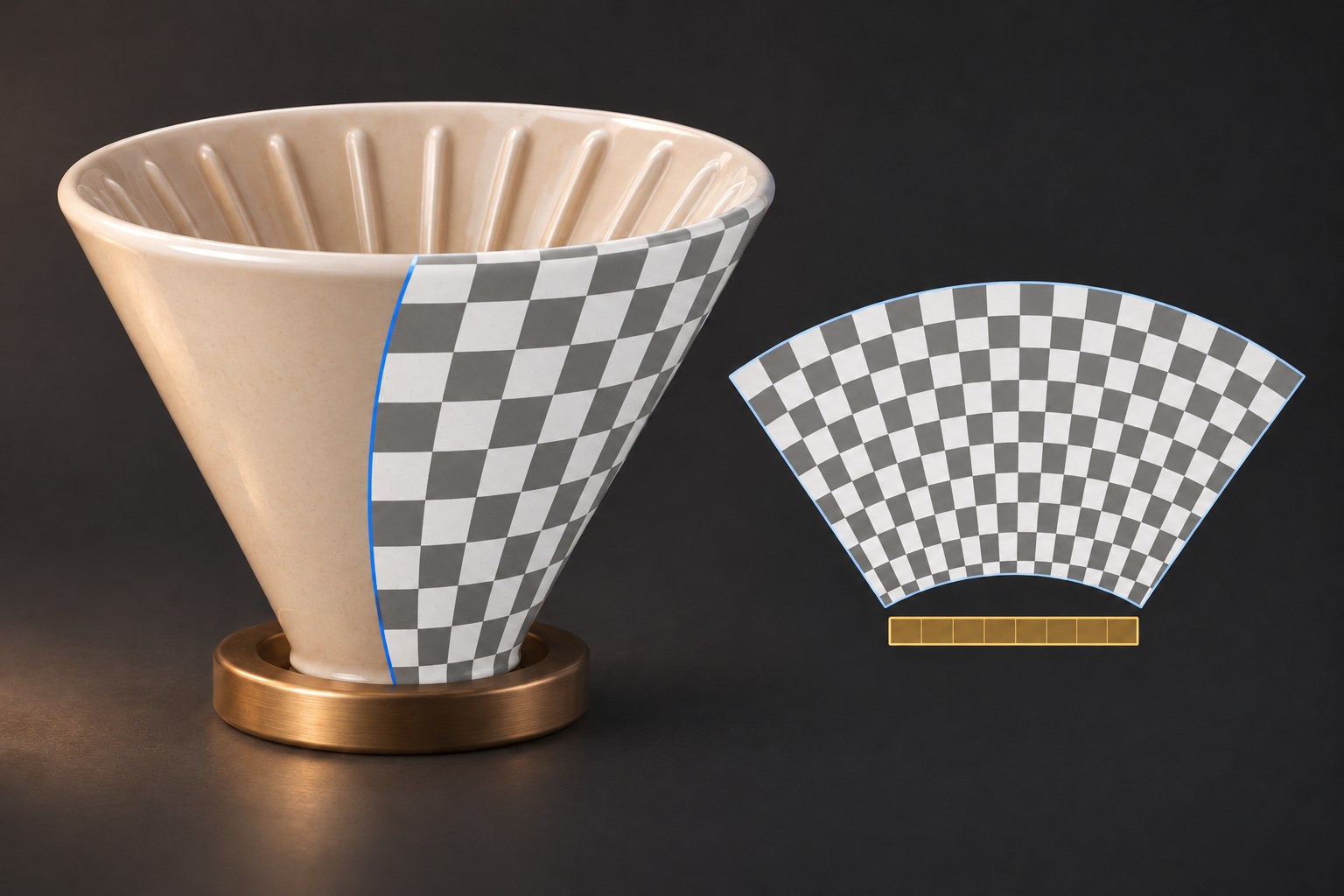
Use planar, cubic, cylindrical or frontal mapping, then refine the texture coordinates in the UV editor.
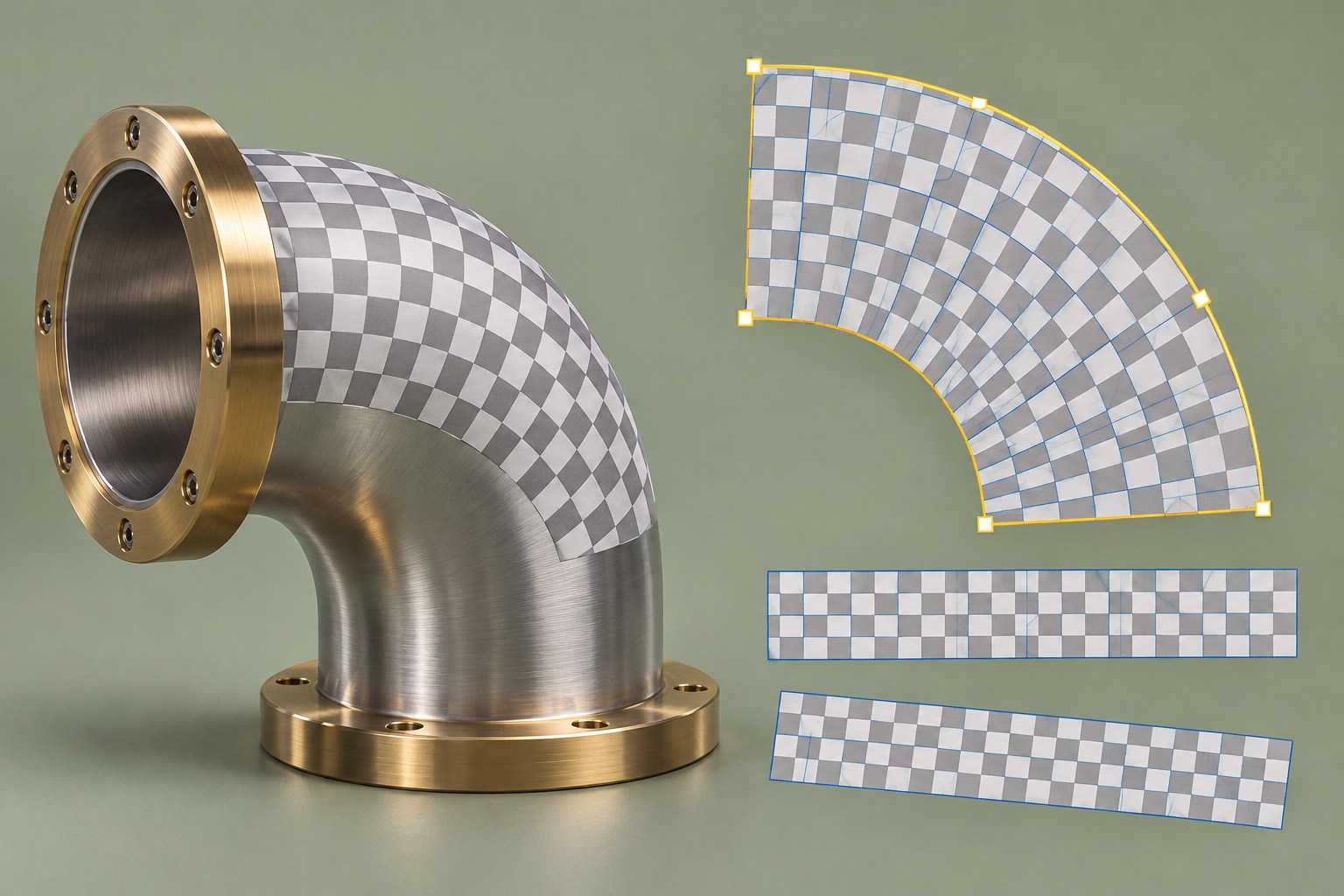
Keep the surface and its texture coordinates connected.
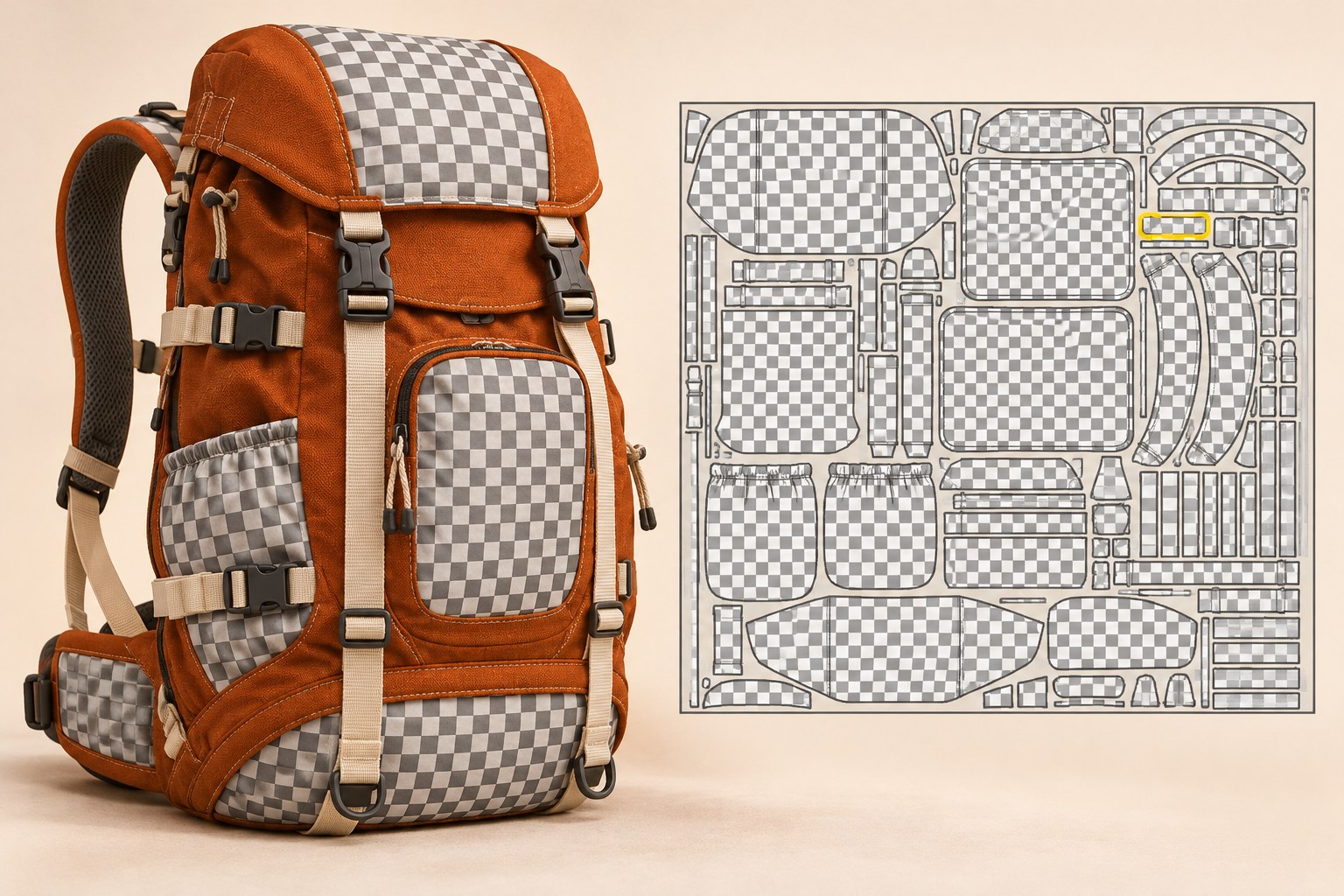
Unwrap islands, ease distortion and arrange the layout.
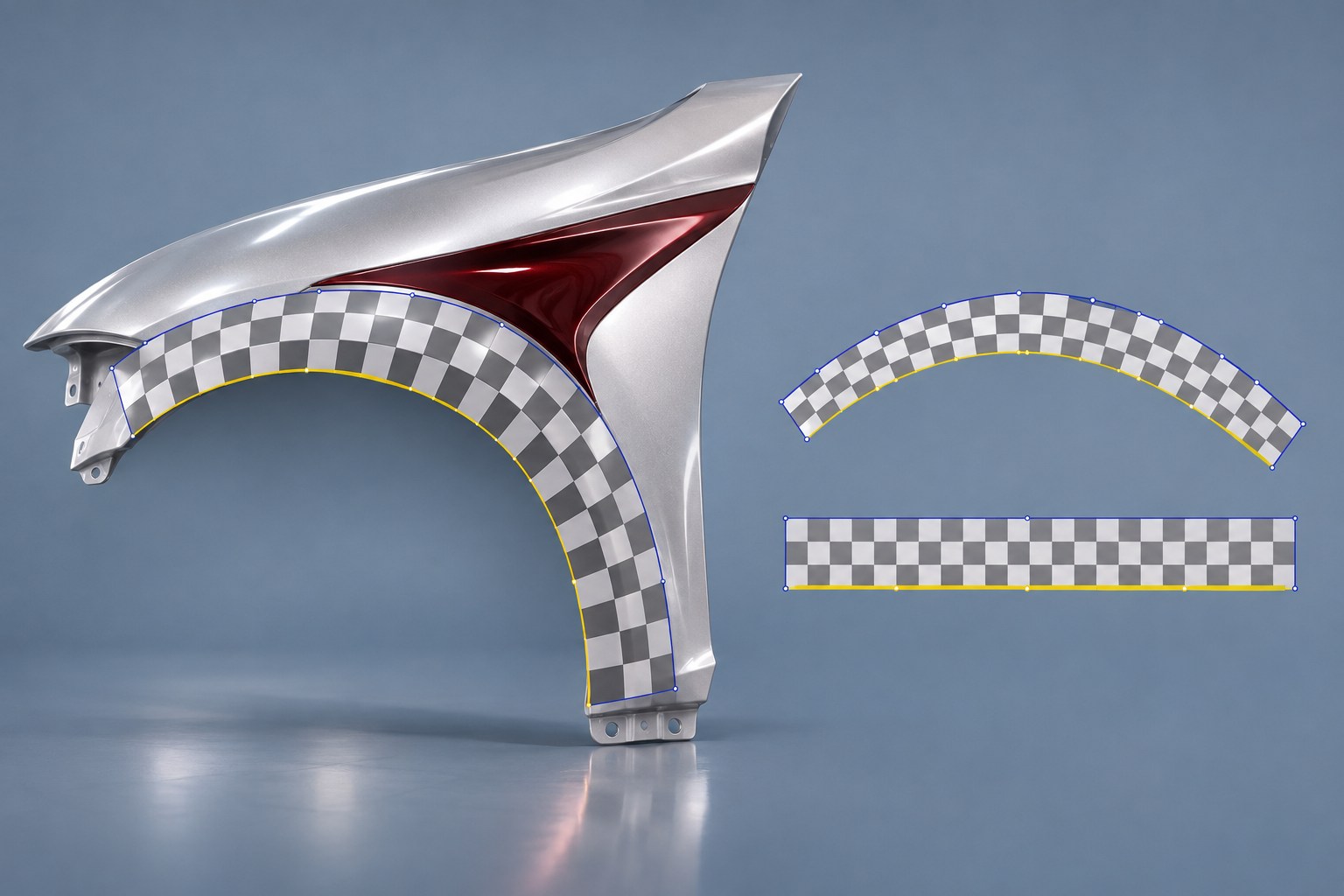
Straighten, mirror and refine your UV layout.
Build color and surface detail on the model. Explore brush control, projection, material channels and editable layers.
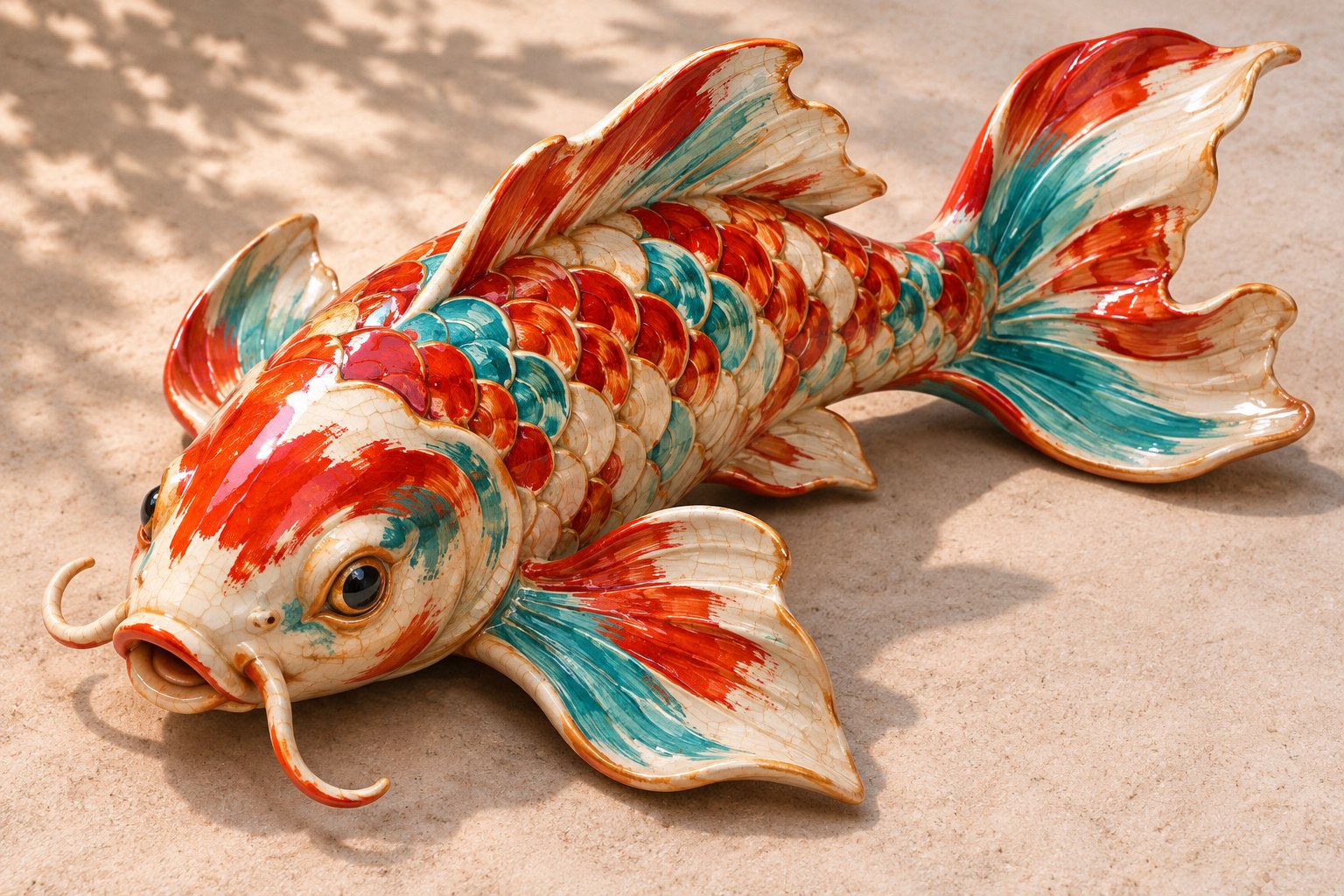
Build color and surface detail directly on the model.
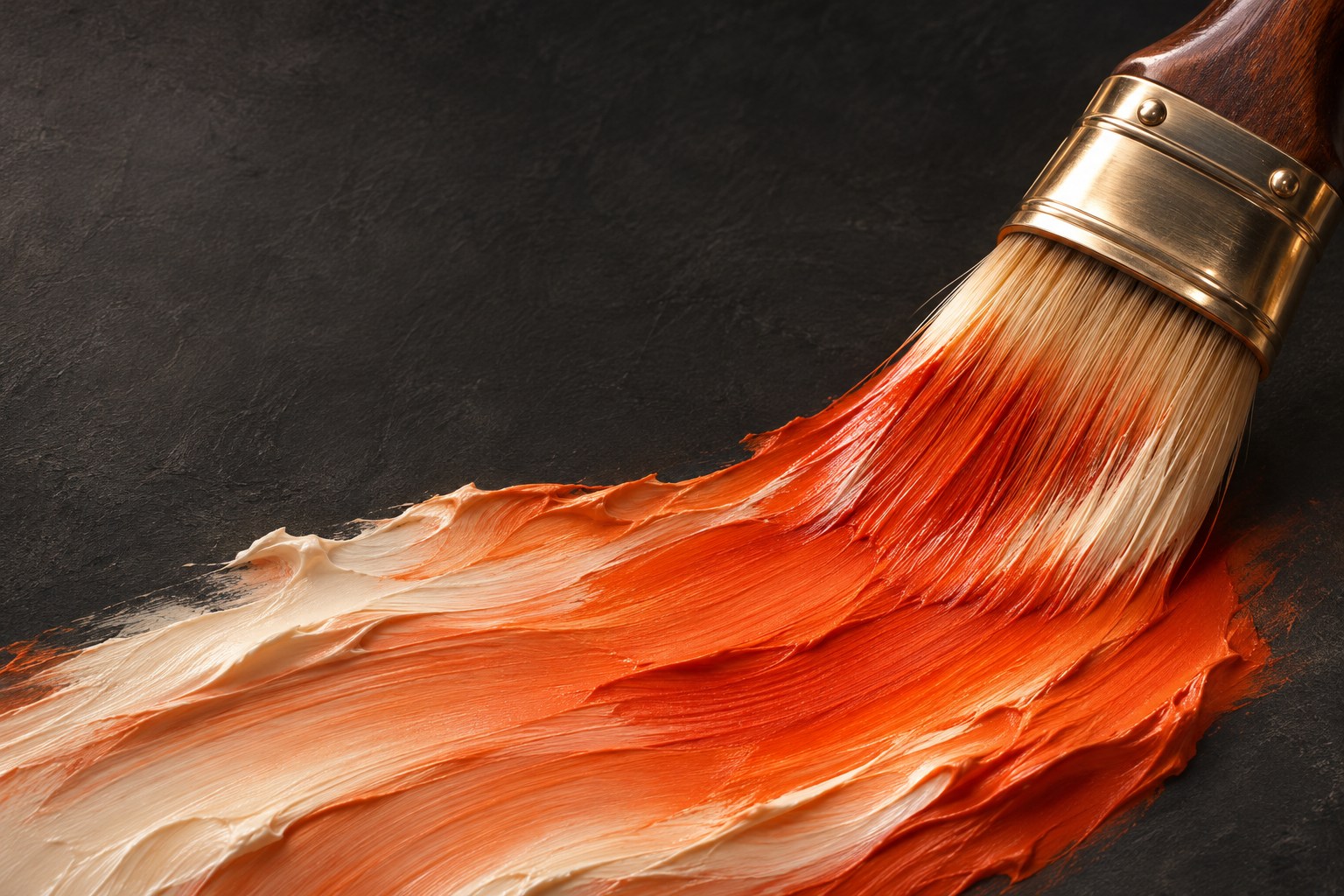
Shape the stroke with size, opacity, alpha and spacing.
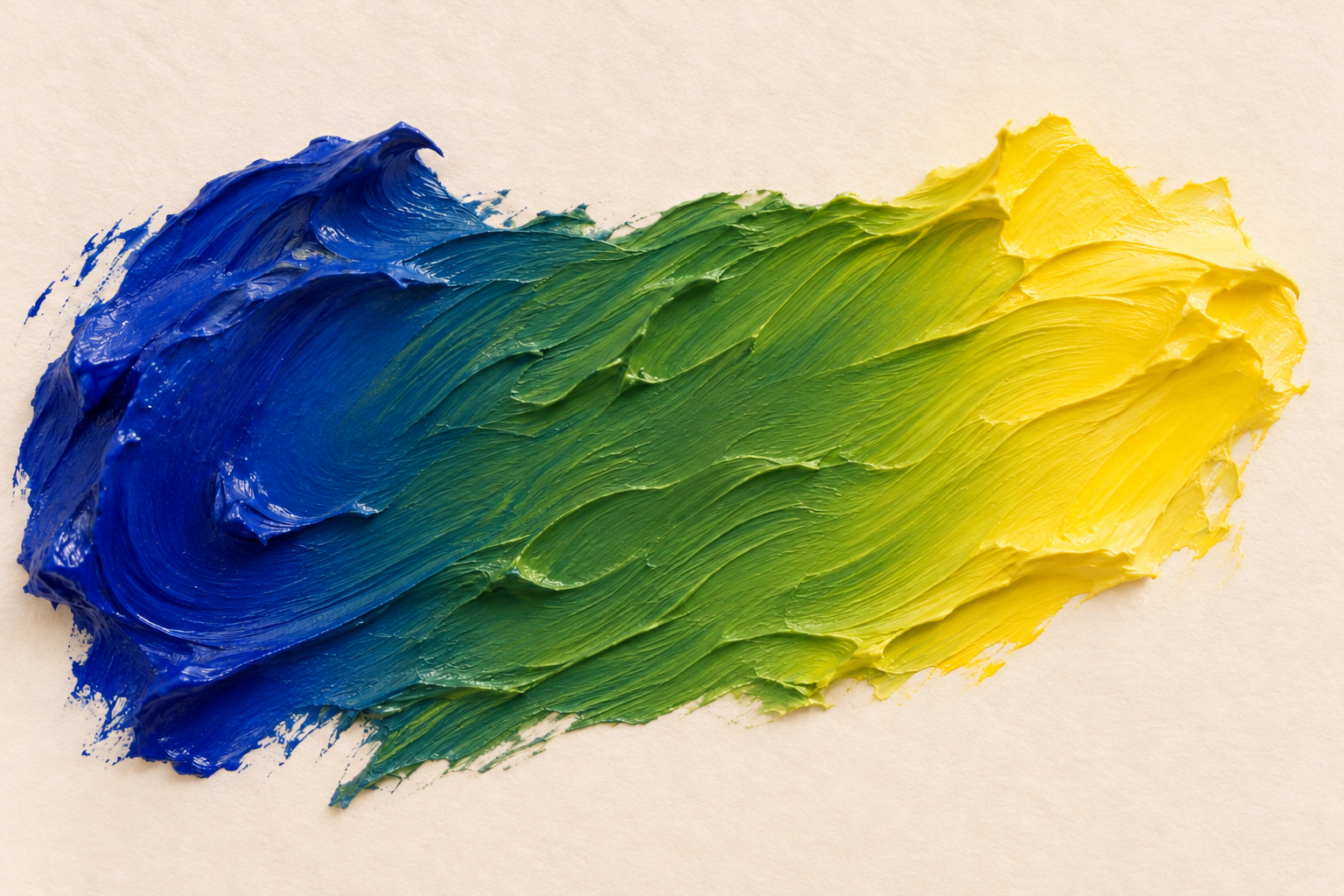
Pigment-inspired mixing is planned to preserve the character of paint as colors combine. This concept study explores the intended color response; it does not demonstrate an implemented mixing engine.
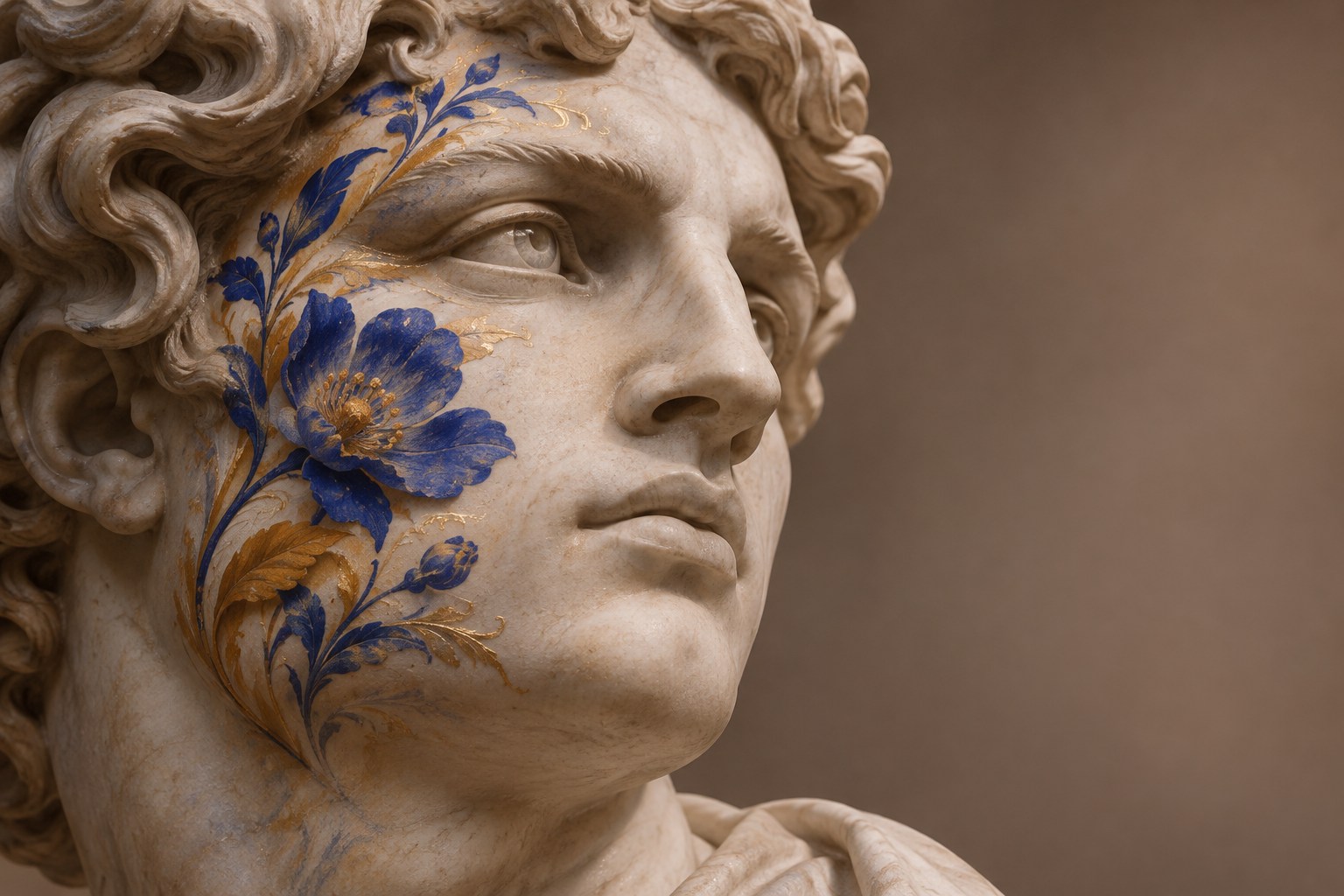
Select a region, clone a detail or project an image.
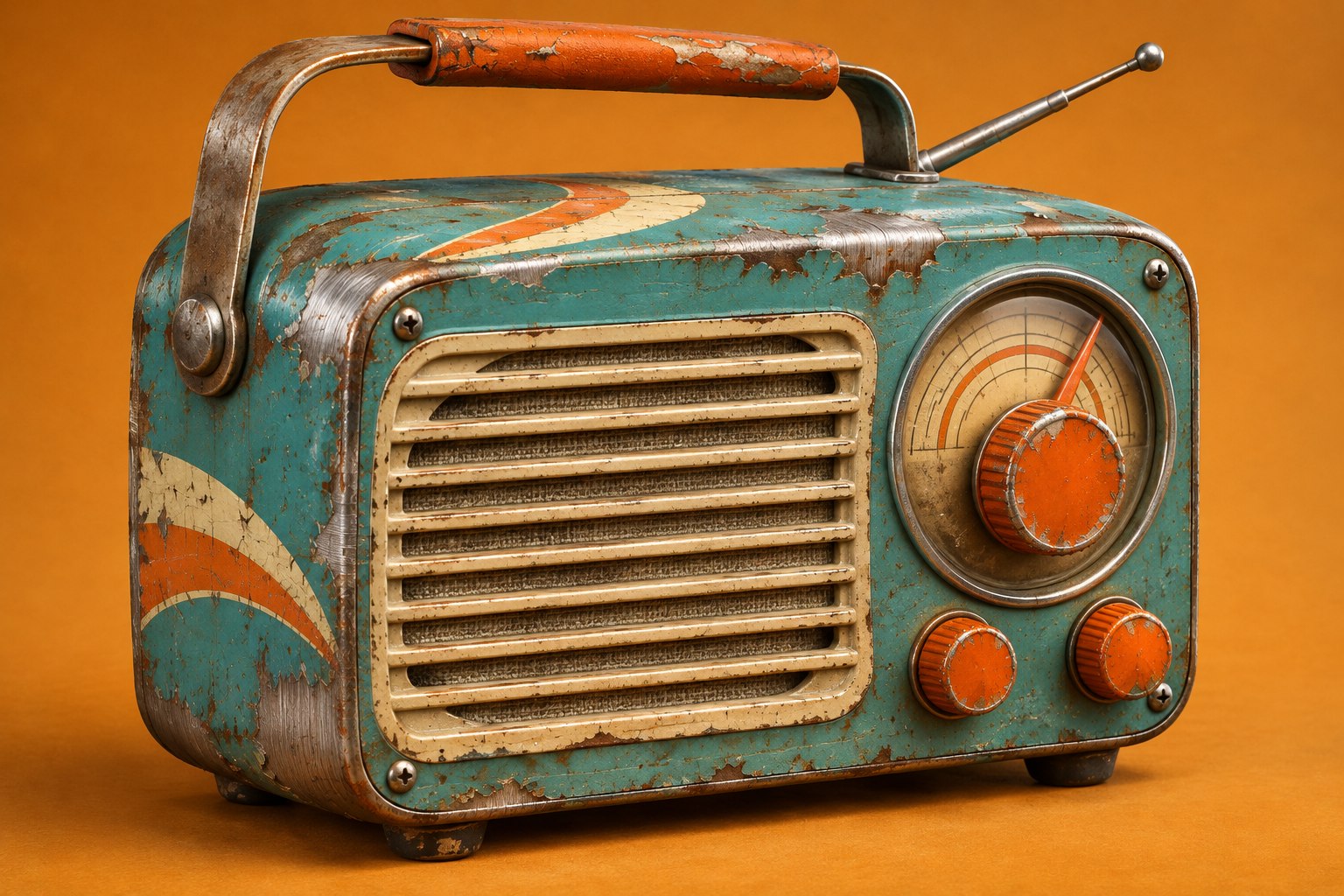
Keep color, roughness and metalness independently editable.
Develop the silhouette and volume before moving into masks, brush work and finer surface relief.
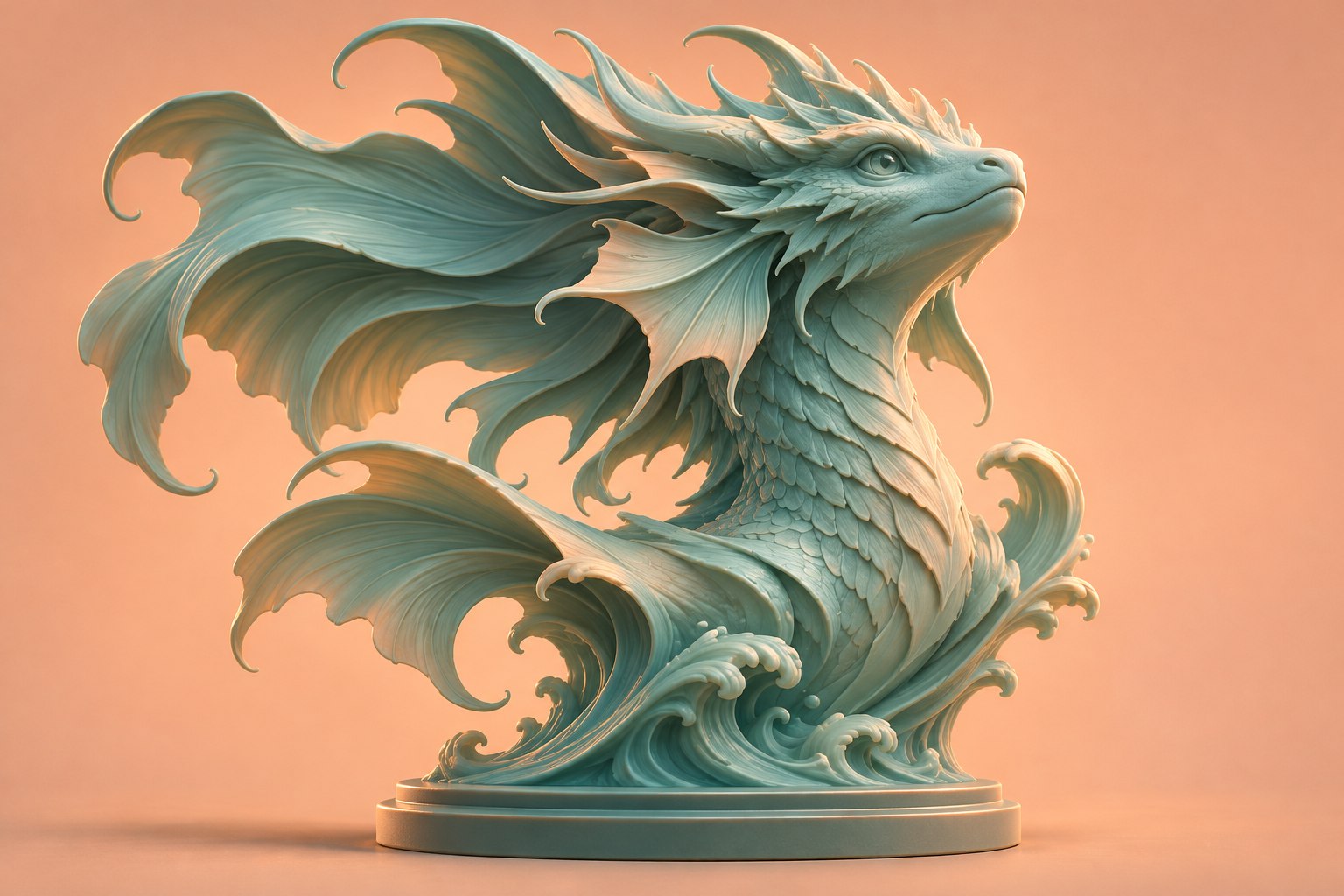
Find the proportions before refining the surface.
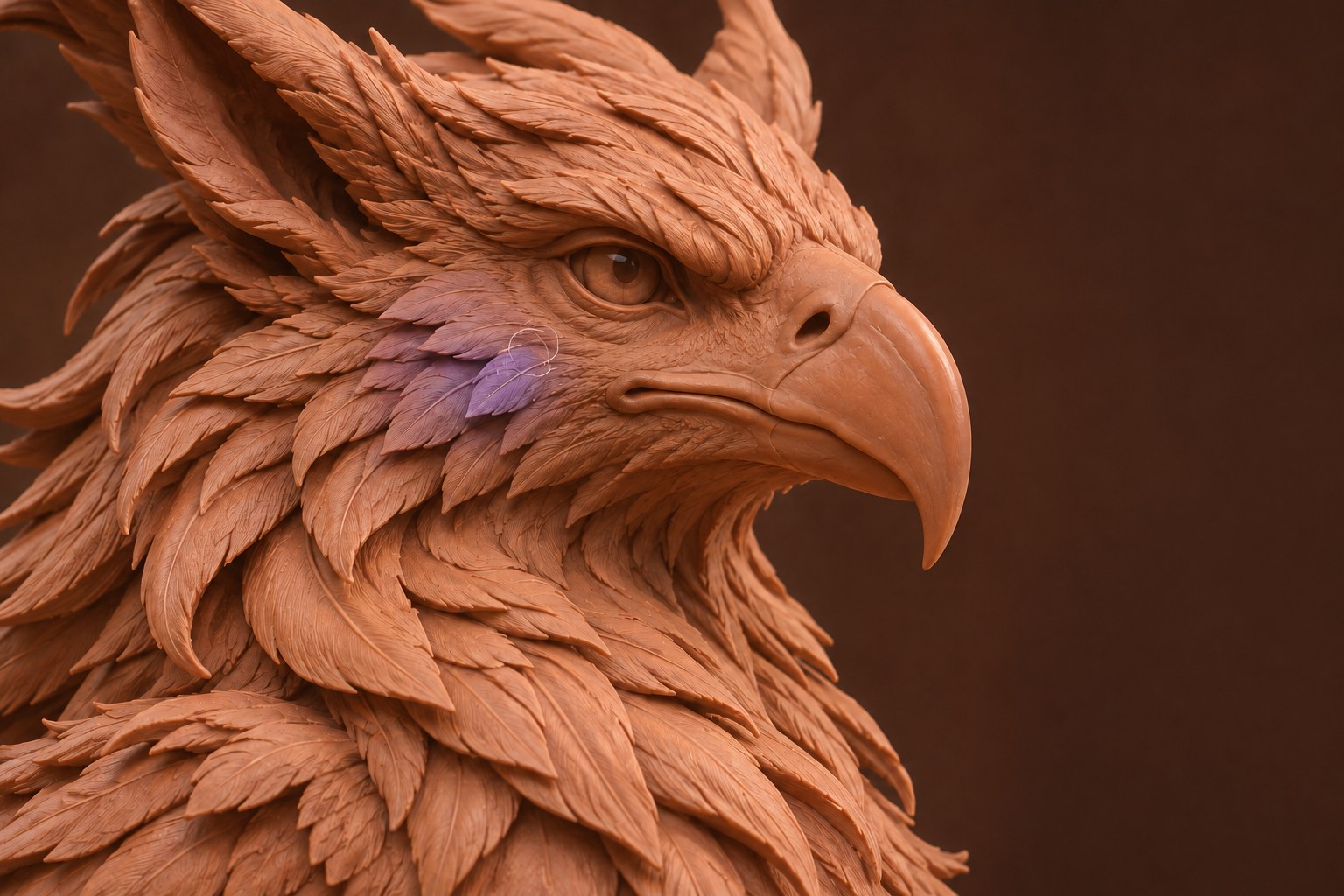
Grab, smooth, inflate, flatten and pinch the form.
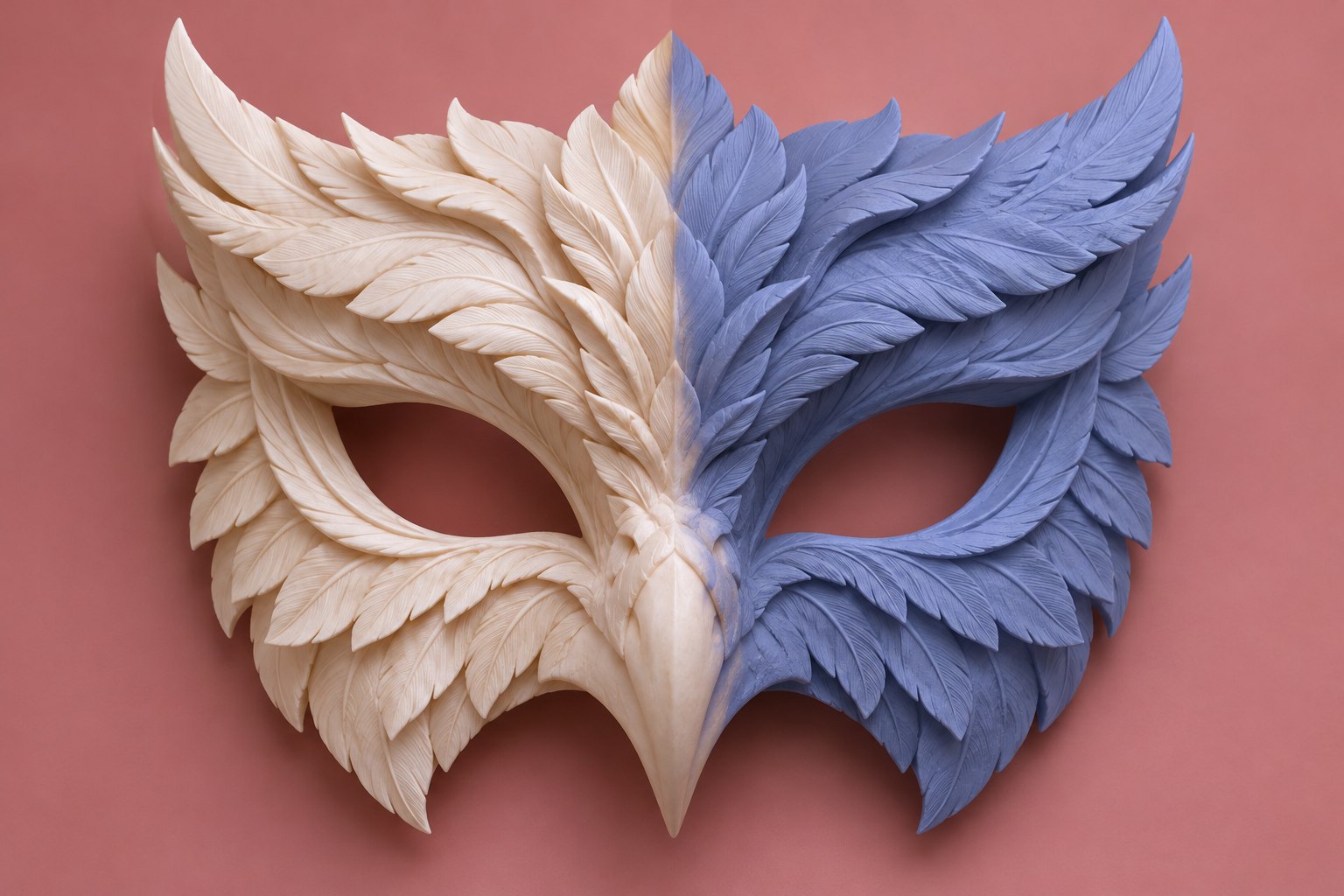
Protect one region. Work across both sides.
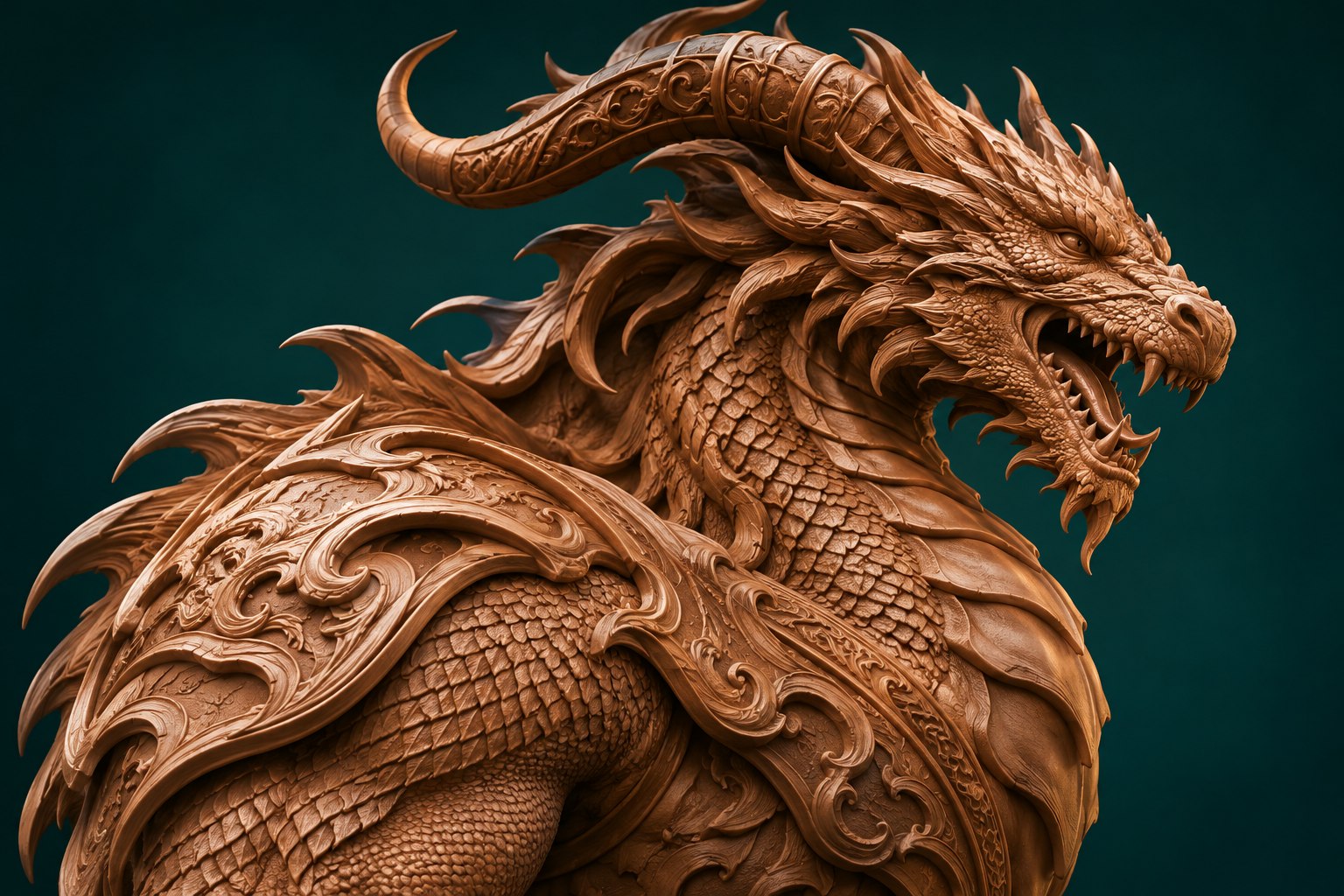
Move from broad volumes to finer surface relief.
Explore the intended rendering workflow, from materials and lighting to image output. Rendering is in development.
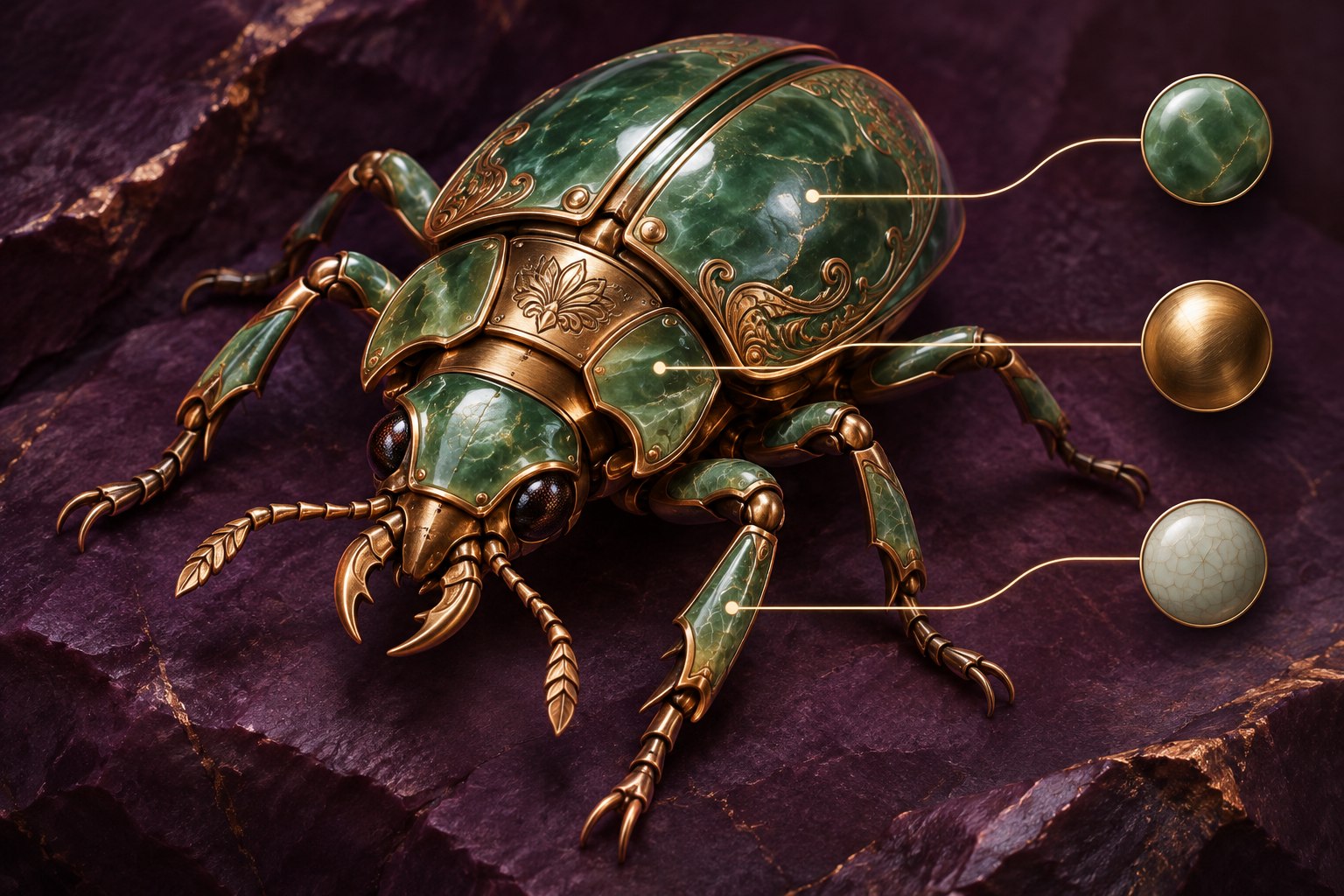
The planned rendering workflow connects realtime PBR with path tracing. Materials, lighting and cameras are intended to stay shared between the two modes.

An in-development approach to indirect light and reflections.
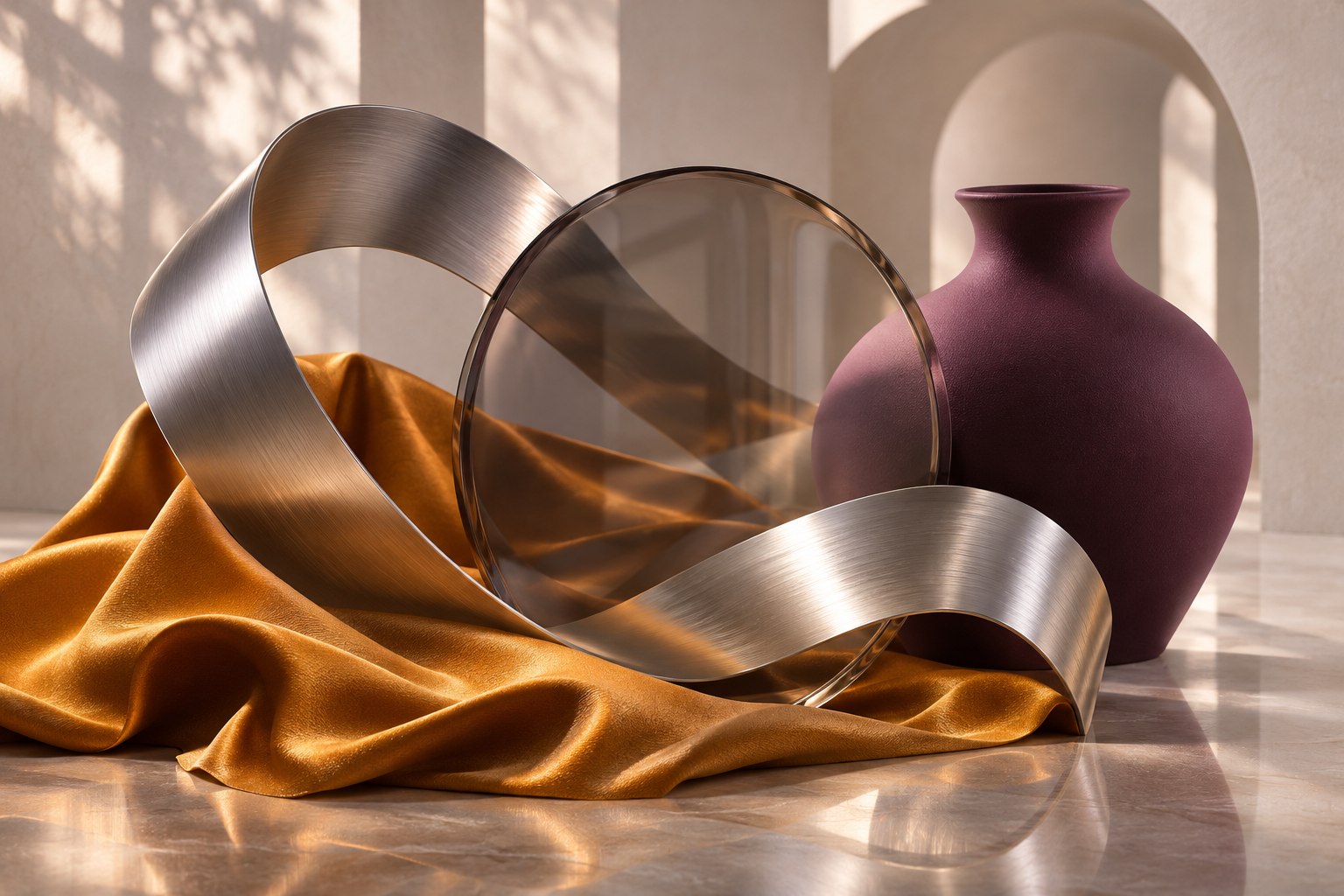
One planned material workflow across rendering modes.
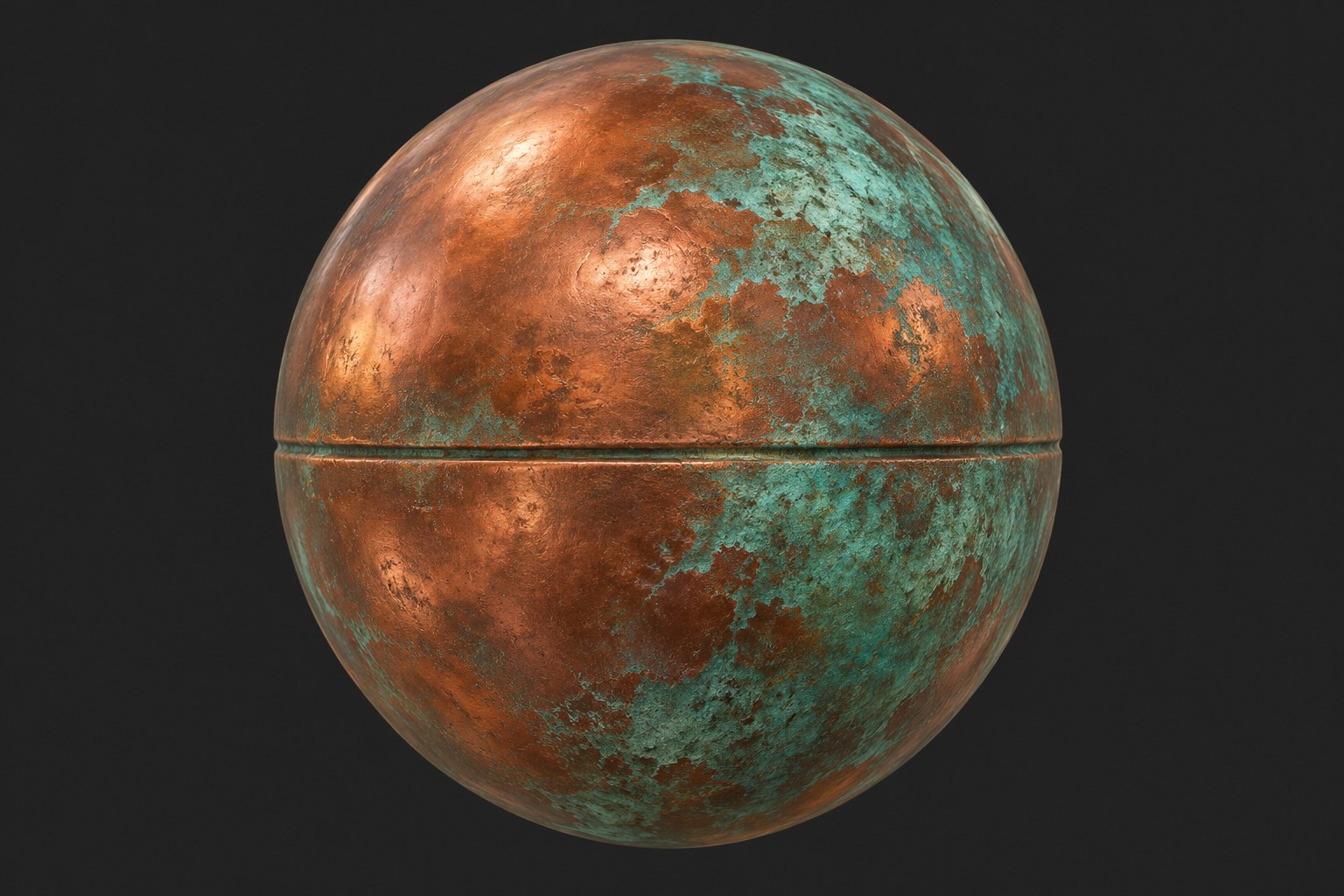
Build a surface from connected textures and parameters.
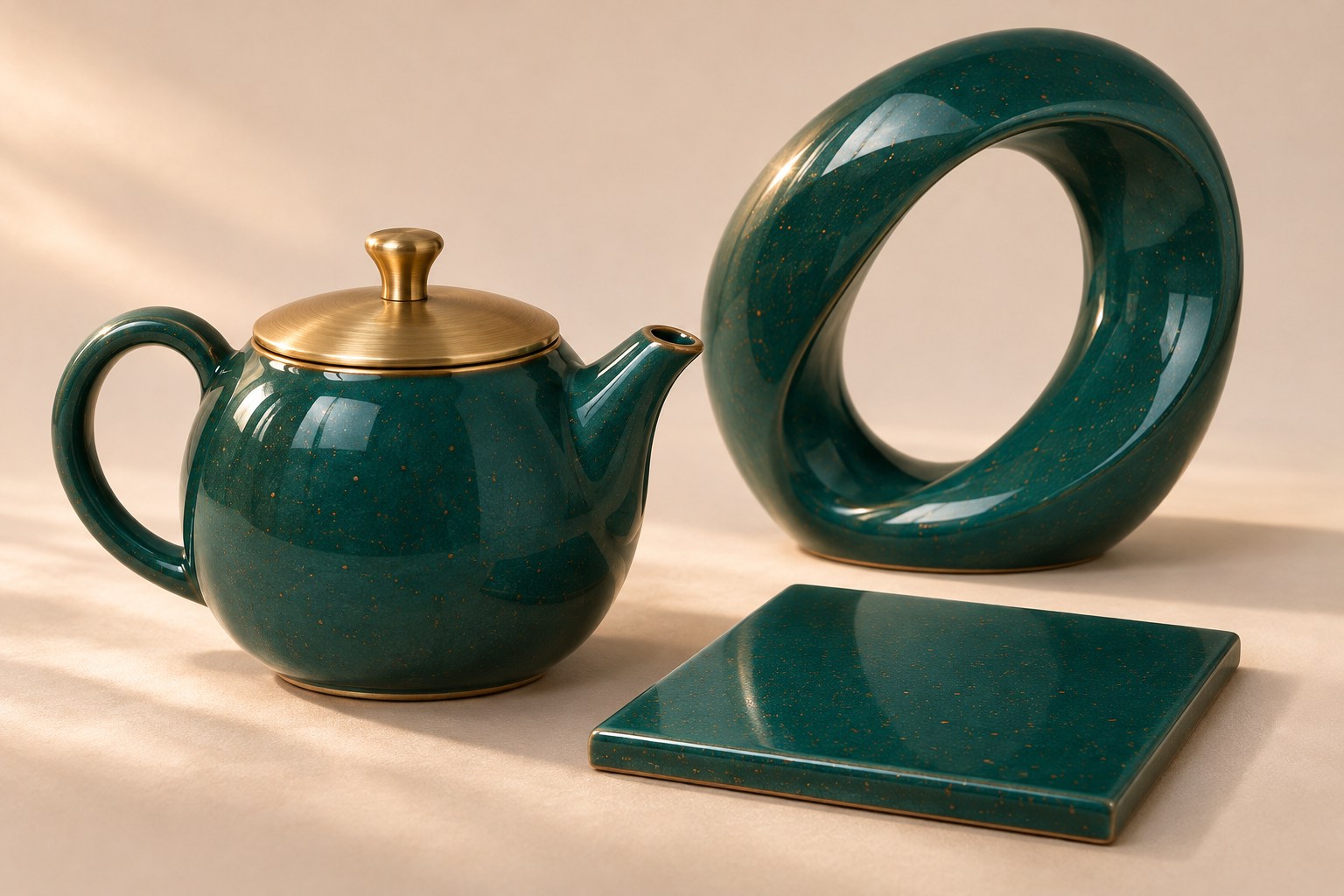
Explore material-description exchange with MaterialX.
Compose the view with cameras, lights and environments.
Planned finishing tools for atmosphere, bloom and focus.
An in-development color-management workflow.
Explore the path from an interactive preview to an image.
Concept studies and feature scope.The illustrations show the intended workflows. “In development” marks planned capabilities. Final specifications and release availability are still to be confirmed.
Bring familiar files into the conversation. Check the format, exchange direction and data you need before moving a production project.
Formats listed in the supplied product concept. Import/export directions and version limits still need confirmation.
Keep the creative tools together. Choose how your team manages people, seats and infrastructure.
Enterprise Cloud
A hosted workspace for one team, with members and named seats. Manage access without running a local server.
One team, one place to manage access.
On-Premise
A clustered App3D Server for multiple teams. Keep control of identity, licenses, release sources and diagnostic report storage.
Multiple teams connected to a cluster you manage.
On-Premise supports cluster replicas, identity and controlled release sources.
Connect LDAP synchronization and OIDC or SAML sign-in in your own deployment.
Choose disk, NFS or S3-compatible storage for optional diagnostic reports.
Signed licenses are bound to the cluster, with offline activation available by agreement.
Deployment capabilities follow the supplied concept. Availability and commercial terms are agreed with the studio.
Choose the complete workspace or build a package around your work. Every change updates the price below.
Or choose individual workflows
Rendering and pigment-inspired color mixing are in development. View feature stages
The tools stay familiar. The way you own access changes.
While your subscription is active
Included while active
Included while active
Monthly or yearly
Keep your purchased version
Upgrade required
For your purchased version line
One-time
New releases, fixes and security updates while your subscription is active. Monthly and annual billing cover the same selected tools. These prices are illustrative.
Continued use of the purchased version line, including its fixes and security updates. Access to a new version line requires an upgrade. Final licensing terms will be confirmed.
The feature is planned and is not presented here as a completed capability. Rendering and some painting features are in development. Review the workflow chapters before making a selection.
Enterprise Cloud provides hosted administration for a team. On-Premise is intended for a server in your own infrastructure. Team capacity, version rights and pricing follow your agreement.
A short reference for each workflow. Follow the sequence below, then explore its tools in more detail.
Modeling concepts
UV concepts
Painting concepts
Sculpting concepts
Rendering (in development)
Desktop workspaceApp3D is designed for Windows and Linux, with a GPU graphics foundation based on Vulkan. System requirements are still to be confirmed.
Licenses & updatesSubscriptions include new releases while active. A perpetual license keeps the purchased version line, with its fixes and security updates.
Have a product question or a studio deployment in mind? Prepare the details here and keep a copy for the App3D team.